2. Installation
Step 1 — Upload the module
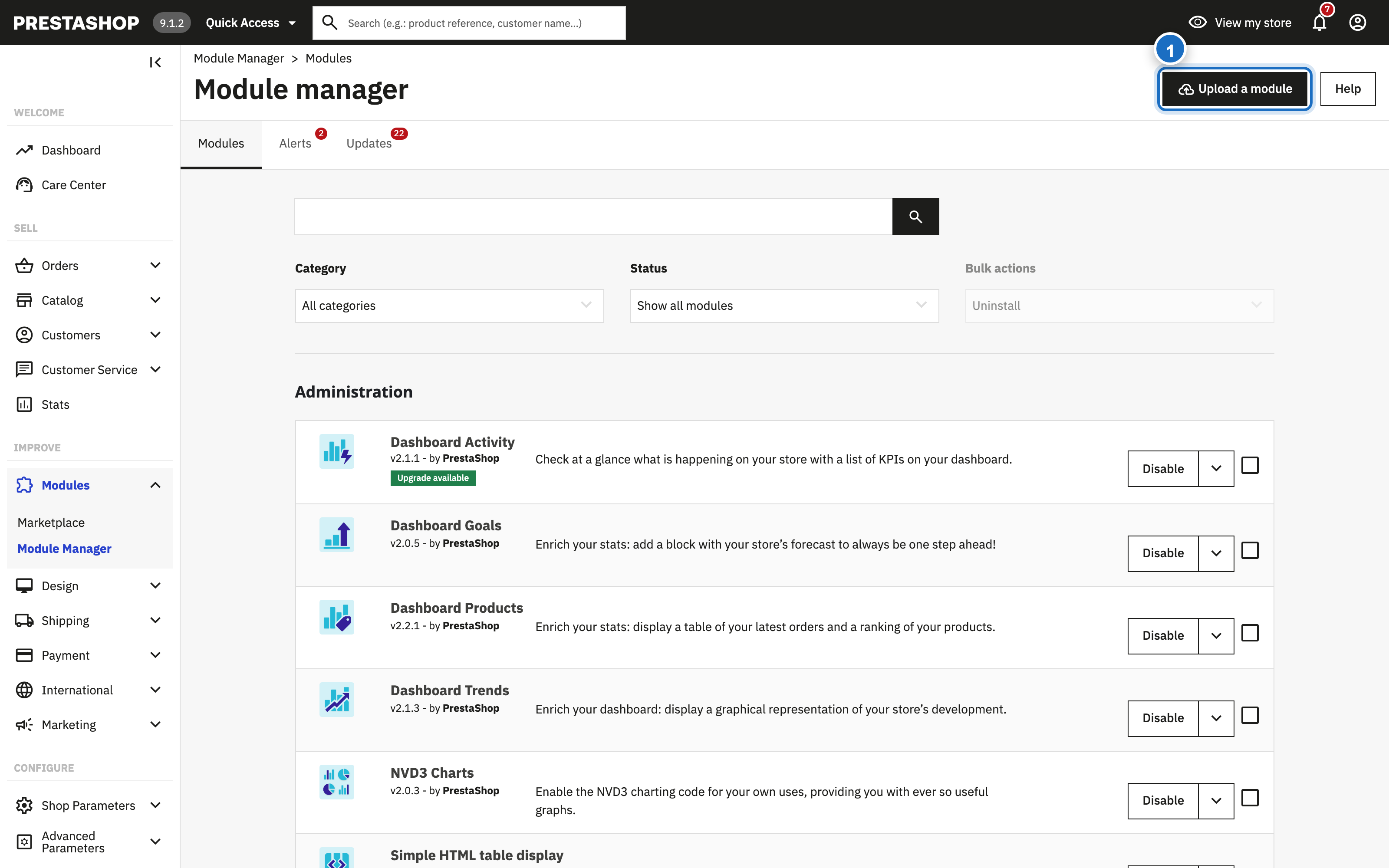
In your PrestaShop back office, navigate to Modules > Module Manager and click Upload a module (1). Select the downloaded ZIP file.
Step 2 — Automatic setup
The module installs automatically:
- Registers the hooks appropriate for your PrestaShop version
- Installs the PDF logo adapter for invoices and delivery slips
- Creates the persistent logo storage folder
/img/svglogo/
No manual SQL and no file editing is required. Existing logos and settings are preserved when you update from any previous version — including versions 1.x.
Step 3 — Open the configuration
Find SVG Logo Multilingual in the module list and click Configure (1).
