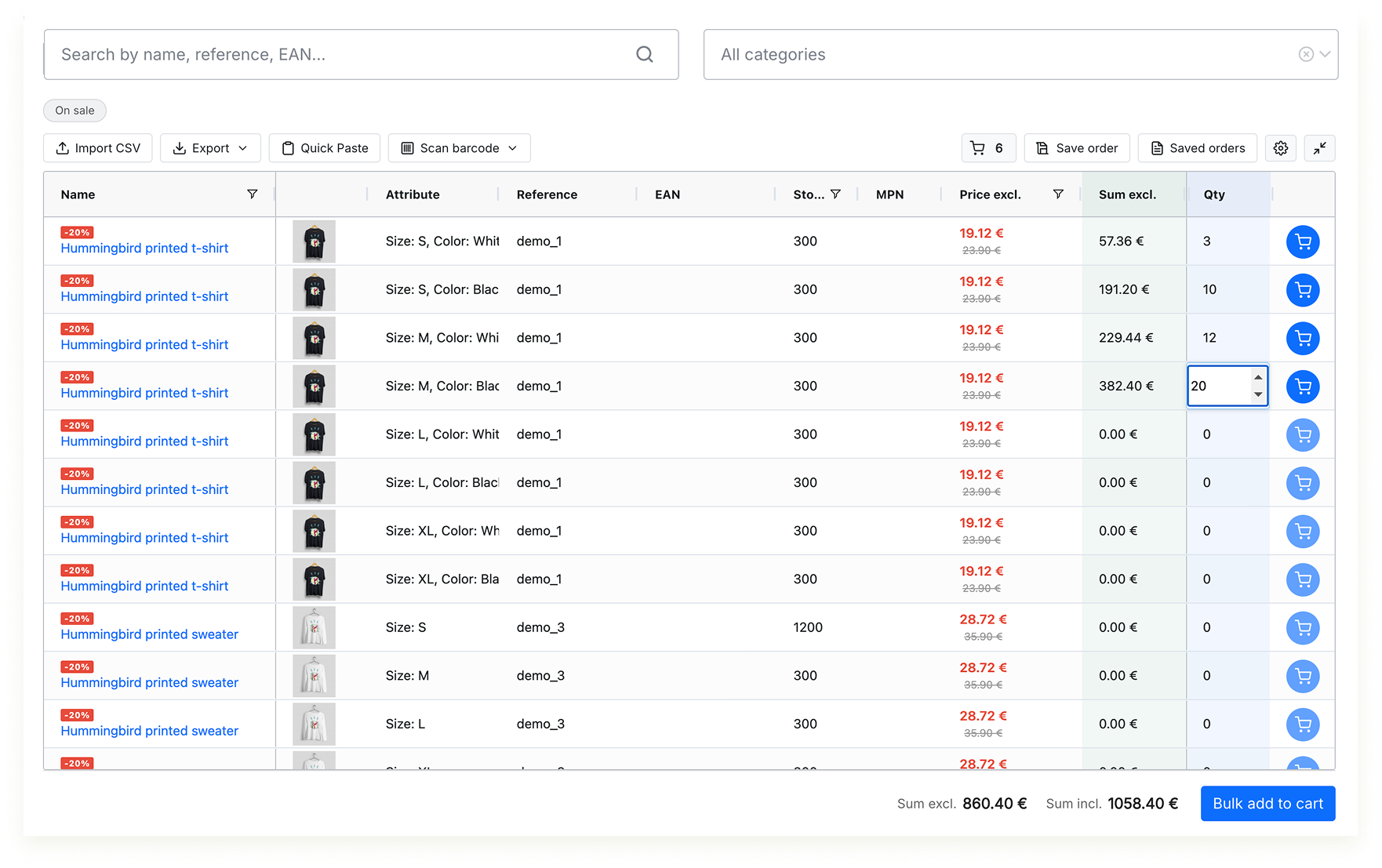
4. Quick Order Page Overview
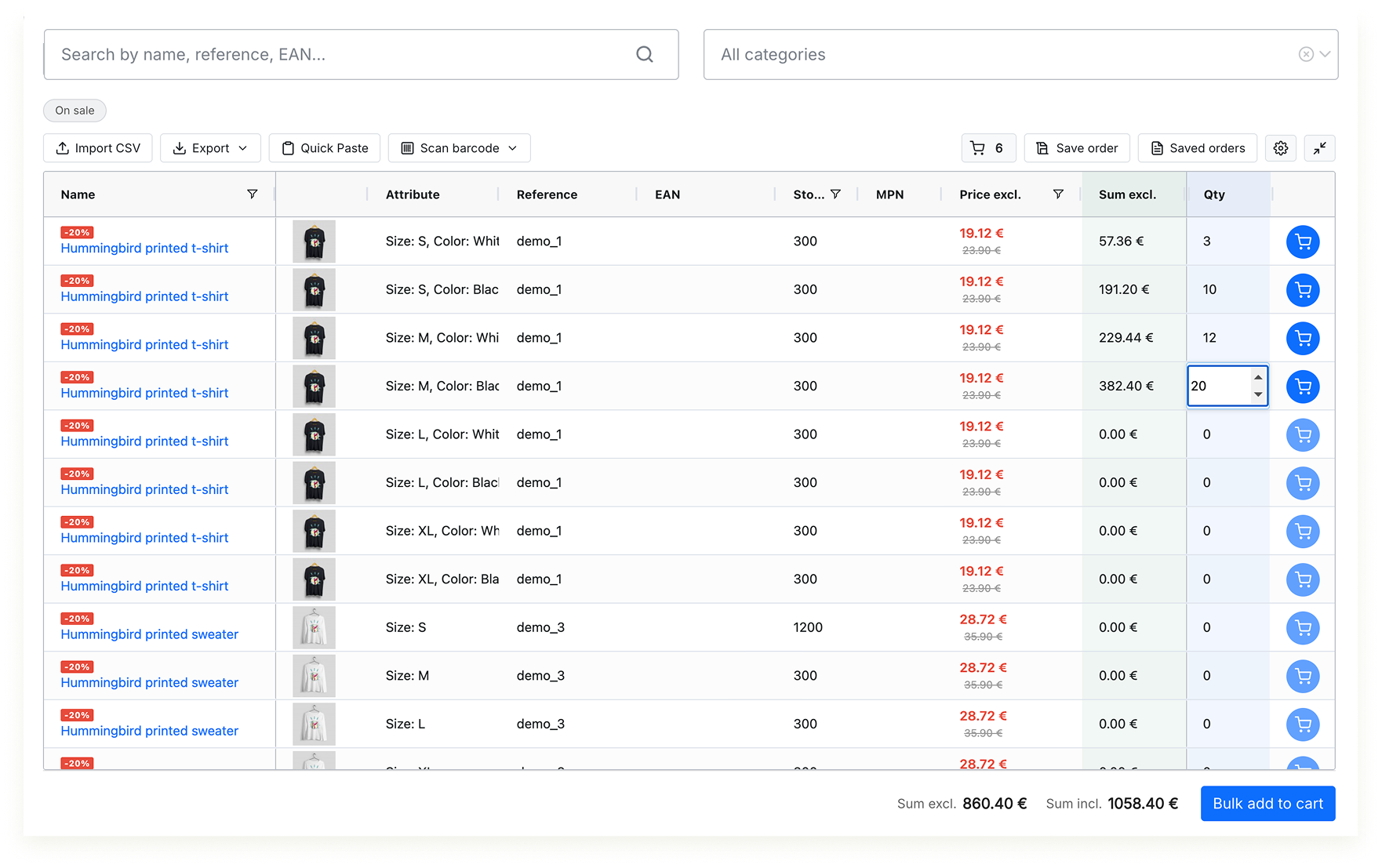
The Quick Order page is the main customer-facing interface. It consists of three areas: the filter bar, the toolbar, and the data grid.
Page Layout
| Area | Purpose |
|---|---|
| Filter bar | Search input, category tree dropdown, predefined filter pills (New, Best sellers, On sale). |
| Toolbar | Action buttons for import, export, scanner, saved orders, settings, fullscreen. Visibility depends on the Features configuration tab. |
| Data grid | The main product table. Each row represents one product or one product combination. Columns are sortable, resizable, and reorderable. |
| Footer | Total sums (tax excl. and tax incl.) calculated from all rows with a quantity entered. Plus the bulk "Add all to cart" button. |
Product Rows
Each row in the grid represents either:
- A simple product (no combinations) - 1 row
- A product combination - each variant (e.g., Size L / Color Blue) is a separate row