10. Multi-format export
Export the current order (all rows with qty > 0) in four formats.
- Enter quantities.
- Click Export and pick a format.
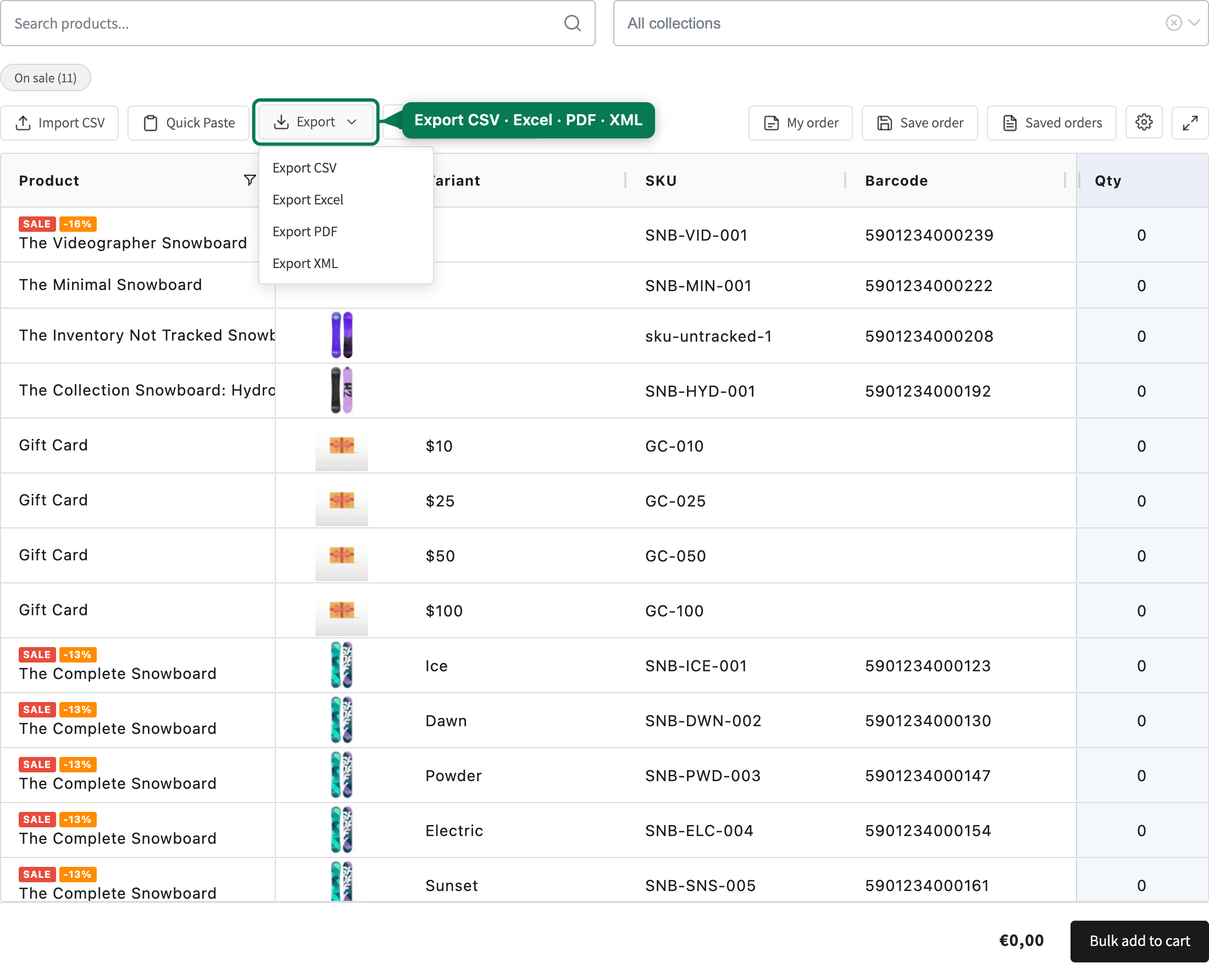
The file downloads as quickorder-YYYY-MM-DD.<ext>.
| Format | Best for | Notes |
|---|---|---|
| CSV | ERP / data import | UTF-8 with BOM, semicolon separator, rows with qty > 0 |
| XLSX | Approvals, archives | Real Excel file with =Qty*Price row formulas and a SUM() total |
| Printing, supplier email | Landscape A4, coloured header, page breaks — white-label | |
| XML | System integration | <quickorder> root with <products> and <totals> |
Exports include only the currently visible columns, with Sum always last. Exporting with no quantities shows a "No items to export" toast.