13. Saved order templates
Let returning customers save frequent orders and reload them in one click.
| Customer | Storage | Default limit |
|---|---|---|
| Logged-in | Server database (per customer) | 50 |
| Guest | Browser localStorage | 20 |
Save: enter quantities → Save order → name it (max 128 characters) → Save.
Load / manage: click Saved orders to see each template with its name, item count and date, and per-template Load, Overwrite and Delete actions.
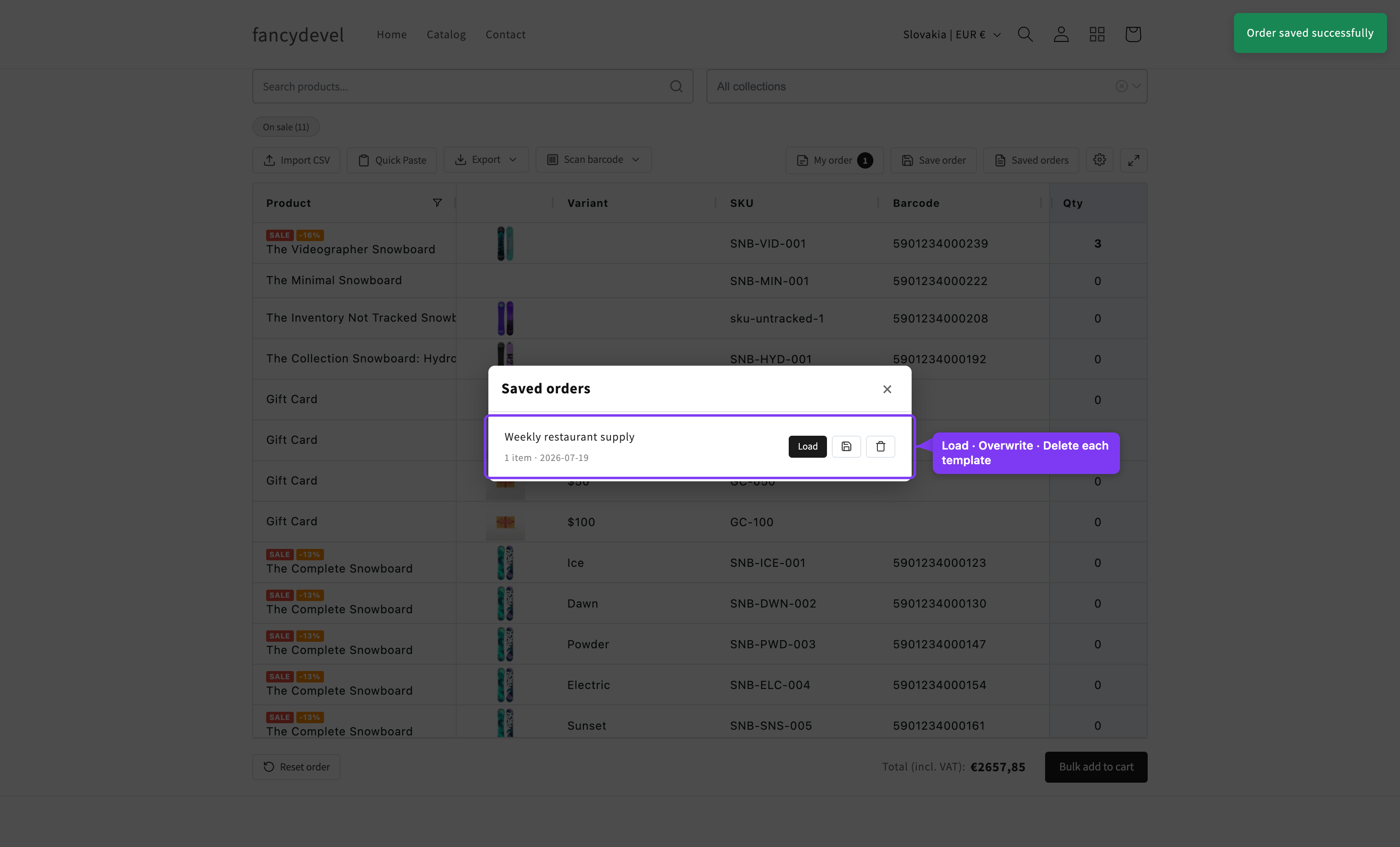
Loading replaces the grid quantities with the saved values; if some saved variants no longer exist, a toast reports how many were skipped. Delete asks for confirmation and can't be undone.